RAMOS
DAVID


Reach us at sport.assignments@gettyimages.com or EMEASpent@gettyimages.com
UNITED STATES

© 2020, Getty Images. All rights reserved.


PLACEMENTS
LET'S
WORK
TOGETHER


Barcelona, Spain

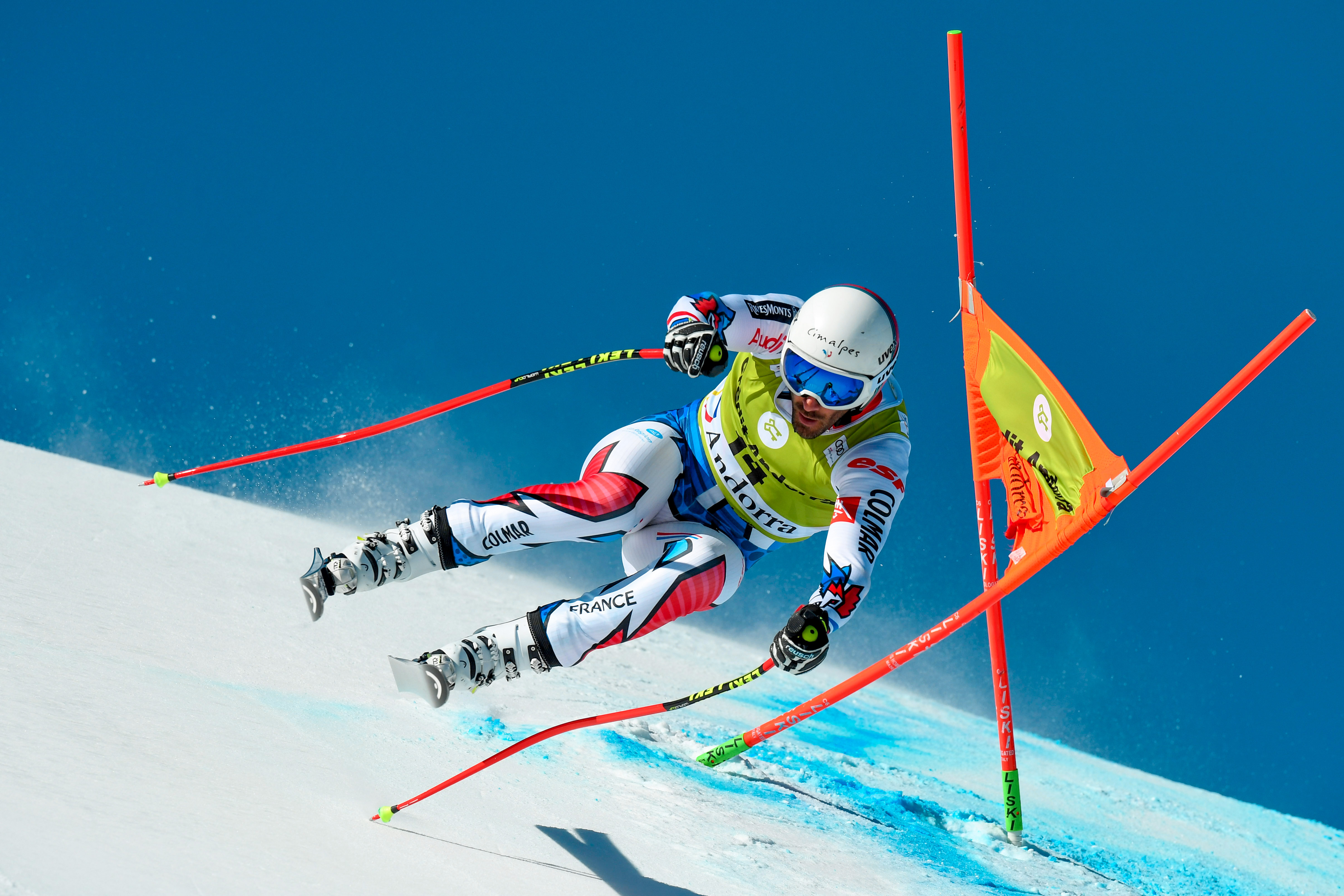
Named ‘Picasso’ by his colleagues David Ramos is considered by many to be amongst the finest photographers in the world. Whether he is shooting a hard news story, a detailed reportage piece, sporting action or a high end commercial assignment, David consistently produces imagery of the very highest quality.
David’s attention to details and meticulous planning ensures nothing is left to chance, while his ability to communicate both his and the clients vision to his subjects provides them with the confidence that they are in safe hands, something that has been put to good use on numerous shoots with some of the leading talent in the sporting world such as Cristiano Ronaldo and his favourite player and regular subject, Lionel Messi.
In high demand across all sectors of the industry, David has regularly worked on major campaigns for clients such as FIFA, Nike and Adidas.
View full portfolio here.
Click the phones to visit David's Instagram.


Scroll to bottom for more
Round the corners on images and rectangles.
To do this, select an image or rectangle and change the value under "Corner Radius" in the Design tab in the Inspector Panel.
Round
Corners
To change background color click on the square in the layers panel or directly on the canvas and select color in the right design panel.
To add a square click the shapes menu in the top left tool bar and draw out your square on the canvas.
*Make sure it is nested in the right layer/section and underneath the assets.
Background
Color
Make sure to change the email to the correct email for your region.
Also make sure to test out the interaction if it does go to the correct email you added.
Email &
Interaction
To replace an image, select the png or jpeg on the canvas or in the layers panel and click the "Replace image" button, which is next to the image thumbnail in the design panel. Any applied animation to the original image will carry over to the new one.
Tip: Try to make the new image a similar size and dimension to the image being replaced.
Replace
Images
To change the interaction on the hotspot click on the existing hotspot and go to interact on the right panel.
Make sure to replace URL within the interaction.
Replace
Titles
Step 2
- Find the title you want to add in and plug the coordinates into the title you want to replace it with.
*You can find the correct title located in the first section listed in the layers panel.
- Copy and paste animations from old title to new.
- Move new tile into selected section in layers panel.
Replace
Iphone
Images
When replacing the screenshot layer, make sure to resize the screenshot to its exact original dimensions. The phone layer does not need to be moved or resized at all. W=337
Go to 2nd Container/About > iPhones > isolate img.jpeg layer and replace (leave PNG layers be)
STEP 1 - BEFORE EDITING DOCUMENT, GO TO SETTINGS.
- Change experience title to photographer's name, vertical & region
- Change URL to first-last-portfolio
(make sure it is all lower case and no extra numbers added)


BACK TO TOP
OVERVIEW
REPORTAGE
PORTRAITS
LIVE CONTENT
CLIPPINGS
CONTACT
